
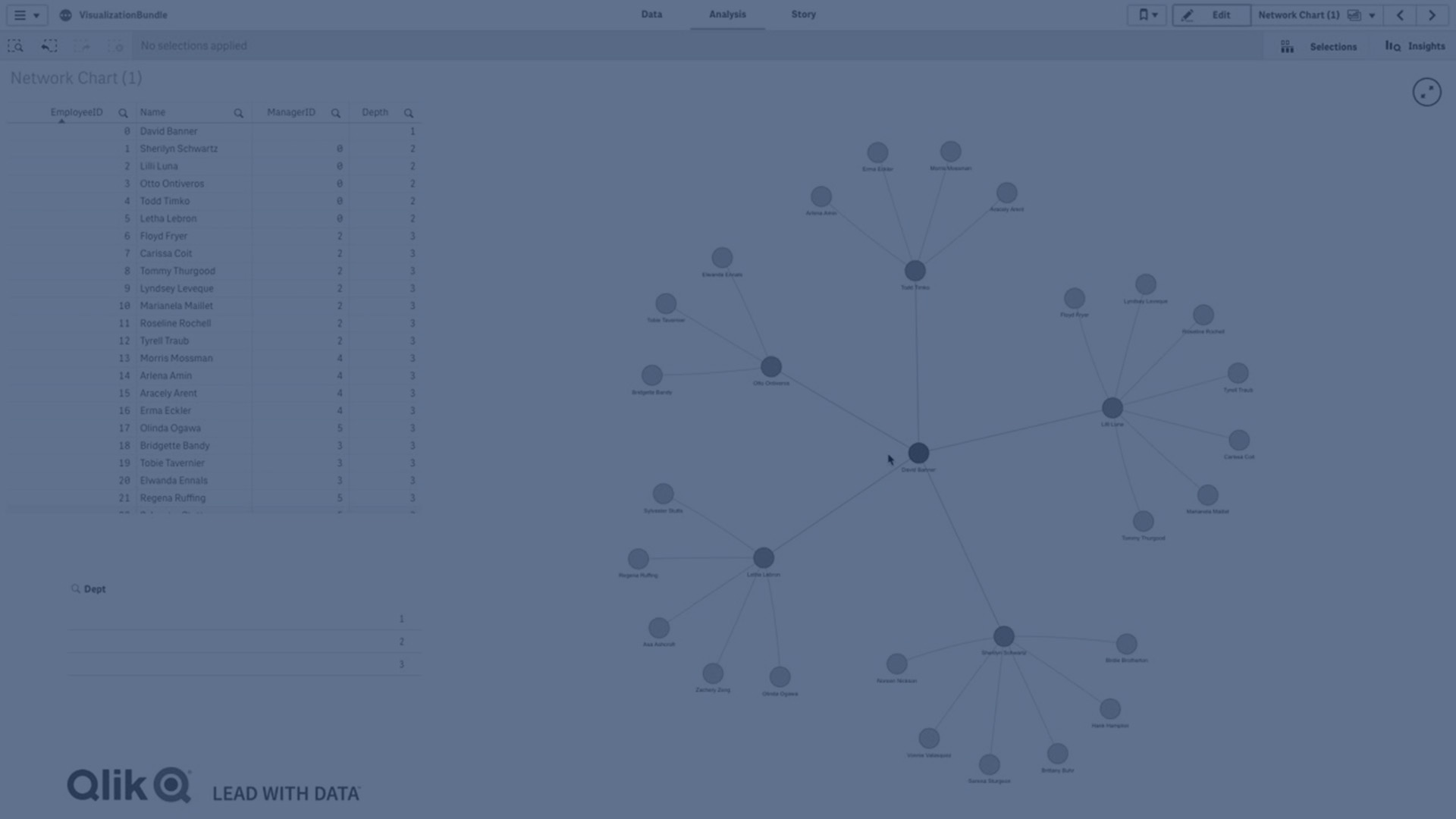
The network chart (Network chart) lets you draw a network of connected nodes and edges from a data set to a sheet. A network chart shows how information flows, how components interact, and where components exist in the network.
A network chart can provide a broad overview or be very detailed. Nodes represent system components, and edges show the movement of information from one component to another. Network nodes are connected to the nodes they interact with the most. This visualization uses different styles, colors, sizes, and images to represent different levels of a network.
Interact with the network chart by making selections one at a time.
What it contains
You need to define three dimensions with a fourth optional dimension:
- Node identifier: This dimension controls which nodes are presented in the chart.
- Node label: This dimension sets the label of each node.
- Node parent: This dimension sets the parent of a node, and controls the relationships between nodes. It needs to contain the value of the node identifier of the parent to connect to.
- Node group (optional): You can use this dimension to group nodes. All nodes in the same group will have the same color.
You can use up to three measures to enhance the diagram. All measures are optional, but you need to add them in the following order:
- Tooltip: You can set a measure value that is displayed in a tooltip when hovering over a node.
- Node size: You can set the size of the node according to a measure.
- Edge size: You can set the width of the lines between nodes according to a measure.
When to use the network chart
Network chart diagrams can illustrate computer or telecommunications networks. They show the components of a network and how they interact. For example, a group of connected computers, printers, modems, hubs, and routers. This type of chart is helpful when:
- Planning the structure of a network.
- Coordinating updates to an existing network.
- Reporting and troubleshooting network problems .
- Keeping track of components.
- Documenting detailed network documentation.
Formatting your data
A network chart requires data that is structured consistently according to a network data model where each record can have multiple parents and children. Each record needs to contain at least:
- A field that identifies the node, the node identifier. Node identifier values must be integer values, starting from 0 and in sequential order.
- A field with the name of the node.
- A field that defines the parent node. This value needs to be the node identifier of another node. If this field is empty, and no other record refers to this node, a disconnected node is created.
Here is some example data that you can save in a text editor and load in a new app. You need to load both example files. The example shows passenger flows between different airports.
- ID is the identifier of an airport node.
- Name is the name of an airport node. This is used as label of the node.
- LinkTo contains the node identifier of the parent node.
- Group states the group of a node. This can be used to color the nodes according to group.
- Volume is the passenger flow volume between ID and LinkTo. This can be used as a measure in edge size.
- NodeVolume is the total passenger flow volume for a node. This is loaded in a separate table as the chart cannot aggregate the volumes automatically.
Example 1: Airports1.csv
Example 2: Airports2.csv
Limitations
For information about general limitations, see Limitations.
- Network chart visualizations cannot be used in Qlik NPrinting reports.
-
The maximum size of the data set displayed in the network chart is 1400 rows. If the selected data set is larger, nodes and links can be omitted from the chart.
Use a smaller data set or employ selections to limit the data set.